


Actwin Smart Submetering Systems Software; automatically collects information from devices similar to the one below. Usually, this data includes consumption, analysis, status, and warning information. Actwin Smart Submetering Systems Software is an energy management software that enables the creation of reports, warnings, estimates, and invoices based on the data that it collects.
- Electricity Meters,
- Gas Meters
- Water Meters,
- Wastewater Meters,
- Steam Meters,
- Calorimeters,
- Energy analyzers
- Electronic Volume Collectors
- Flowmeters
In general; It is used in institutions operating in more than one location such as Organized Industrial Zones (OSB), Shopping Malls (AVM), Housing Projects, Tourism Complexes, Industrial Facilities, and Retail Sector. For this reason, Actwin Smart Submetering SystemsSoftware needed; It provides fast, easy, and accurate invoicing.
By the control invoice feature, it prevents the issuance of incorrect invoices. In addition, thanks to its flexible structure, it enables the creation of tariff and subscriber types independent of the manufacturer.
Constantly increasing energy costs and renewed regulations direct all our institutions to conduct continuous research and to benefit from the most affordable energy costs for themselves and their subscribers, tenants or members, if any.
At this point, Actwin Smart Electricity, Water, Gas Submeter Systems Software appears as an Invoicing Software equipped with powerful capabilities for Industrial and Commercial Enterprises and Organized Industrial Zones.
Actwin Smart Electricity, Water, Gas Sub-Metering Systems Software constantly monitors loads such as common area lighting, billboards, escalators and makes the most accurate cost distribution for the relevant tenants.
Actwin Smart Electricity, Water, Gas Sub-Metering Systems Software monitors and analyzes usage habits and creates a road map on when, where and how users can save energy resources.
Main Features;
- You can store and report unlimited information with the Subscriber Information Management System Module.
- All data is securely stored in MS SQL database
- It is possible to define many tariff types,
- Allows comparison between tariff types,
- Allows separate invoicing of mains and generator consumption,
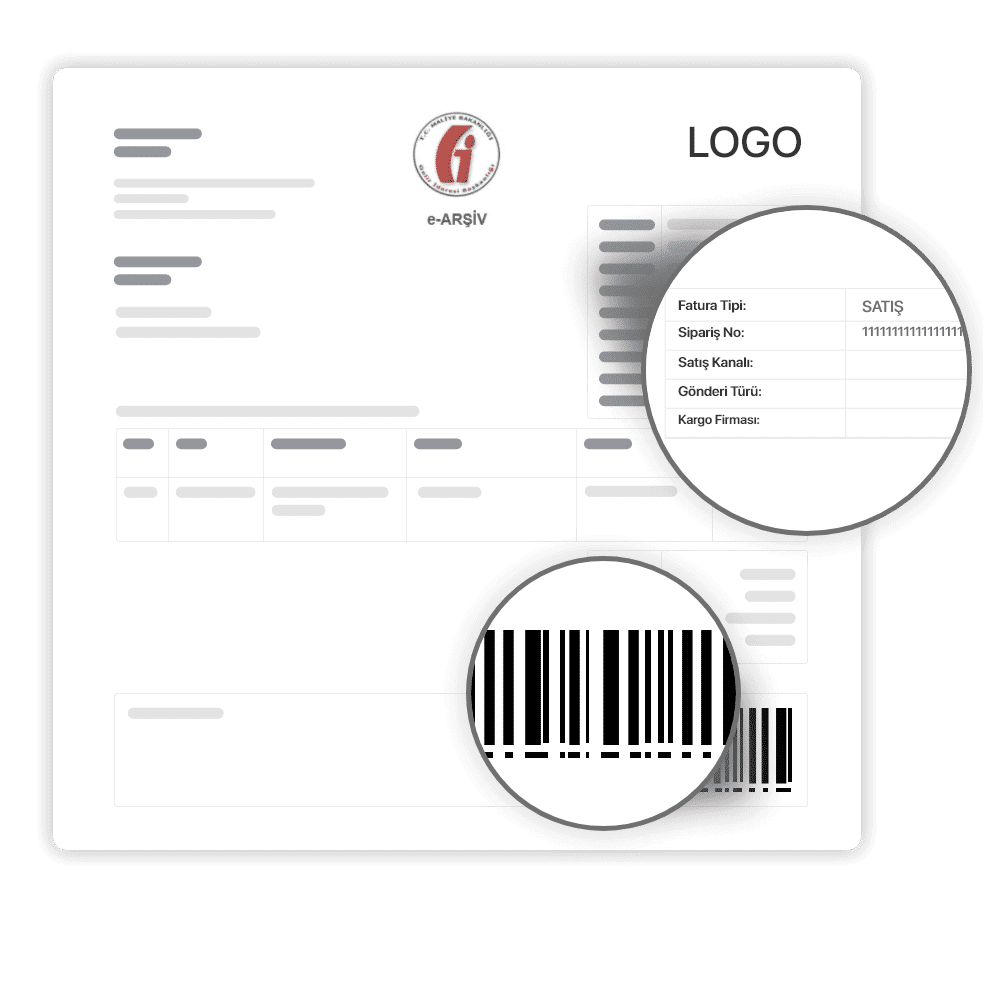
- Ability to invoice in desired design, size and algorithm,
- Loss/Illegal Detection Report,
- Period Buying/Sales Report (as Consumption and Price),
- Ability to switch to various accounting programs
- Preventing incorrect invoicing with the control invoice algorithm,
- Ability to make prepayment
- Sending monthly billing information to e-mail and mobile phones
- Ability to view saved invoices without having to recalculate,
As Peter F. Drucker said, “If you can't measure it, you can't manage it.”
For more information, please use the Live Support page or Contact Form.
General Features
General Features of Actwin Smart Energy Management are listed below:
- Multi-language support
- Ability to use widely used and secure Microsoft SQL and Oracle databases…
- Distributed structures such as “server”, “client” and “internet” interface.
- The server is the main engine that runs in the background and collects data from devices.
- The client is the part of the application where management and interaction with the server are carried out. The server and client interfaces are desktop applications.
- The internet interface allows users (such as factories) to log into the system and monitor their consumption, energy quality and create reports of their own devices.
Communication
Actwin Smart Energy Management has a modular structure to enable different new protocols that may be available in the future. Supported protocols are listed below.
Communication Protocols
- IEC 62056-21 Mod C and constant baud rate
- DLMS/Cosem
- Modbus-RTU
- Modbus-TCP/IP
- M-Bus
- Wireless M-Bus
Communication principle
- Serial communication (RS485, RS232)
- GPRS
- M-Bus
- Ethernet
- PLC (DLC)
- RF
It is compatible with “push” and “pull” structure. The data collection program, the program for saving results to the database can be defined, and the measurement parameters to be read from each device can be defined independently.
Actwin Smart Energy Management's communication module starts automatically when the server starts as a windows service. This prevents users from accidentally closing the data collection application.
Reporting
- Reports such as the following can be prepared with the collected data. The modular structure provides the opportunity to add new reports to the software when necessary.
- There is no need to upgrade or replace Actwin Smart Energy Management when a new report is requested. All reports MS
- Can be exported to Excel, MS Word, HTML and PDF.
- Reporting as a table of measurements of all selected devices. Additionally, measurements to be reported can be selected.
- Graphical representation of measurements of the desired device. Multiple device measurements can be plotted on the same chart.
- Measuring points consumption, average values, etc. comparable to algorithms.
- Active and reactive energy rate reports for electricity meters.
- Consumption reporting of electricity meters according to energy tariffs.
- Distribution network load reports (Transformer, gas stations)
- Measurement point daily, monthly and annual consumption reports.
- Map display with measurement points and filters (Reactive energy, low consumption, loss/fraud situations, no contact point, etc…).
- Transformer loss report
- Comparison of monthly and annual total consumption of the distribution network and import/export time periods.
- Identified gas component reports.
- Natural gas minimum/maximum hourly and daily consumption report.
- Measuring point inventory report
- Measuring point communication performance report
- Water meters low/over consumption report
Single line scheme
- Like SCADA systems, the electrical distribution network can be displayed on single line diagrams and the information of devices such as electricity meters and secondary protection relays on this network can be monitored.
- Information such as power-current/voltage values of the meter, on/off status of the secondary protection relay and power-current/voltage values of the quality recorder can be monitored.
- For gas meters, measurement values of type B and C stations, filter pollution status, door/valve status can be displayed.
- Drag and drop support.
- An infinite number of screens can be created.
Loss/Leakage Detection
- Loss/Theft reports can be prepared manually and automatically. Automatically prepared reports can be sent by e-mail to defined people.
- Electricity meter parameters (events, current/voltage/power/power factor/phase angle etc...) can be monitored continuously and operators are notified when an unexpected measurement or ratio is measured.
- Unexpected consumption differences are detected between the main distribution points and the points connected to that distribution point.
- Operators can be warned by detecting interventions on meter and panel covers.
Data validation
- Measurements should not be used in invoices and reports without a data verification system. Therefore, these data verification methods are used.
- Is the measurement within certain limits or not?
- Measurement rate according to previous period consumption
- Status according to last measurements
- Is the measurement within standard deviation or not based on the average value of the last billing periods?
- Compatibility between the unit of measurement and the measurement, if any
Integration
Synchronized connection of the system and other systems (ERP, accounting, geographical information, banking, etc.) can be achieved with Web Services.
Subscriber Management
Reports can be created from all kinds of records saved in the database, such as defined measurement points, customers, groups.
- New users and/or measurement points can be defined without professional skills using the copy-paste method.
- There is no limit on subscriber defined information regarding measurement points and customer cards. Some predefined information are:
- Customer number
- User name
- Address/Parcel Information
- User type
- Start date of operation
- Authorized person
- Telephone, fax, e-mail, etc. contact information.
- GPS coordinates
- Reports can be generated from this defined information, and then grouping, listing and filtering can be done from these reports.
Web Interface
Actwin Smart Energy Management's internet interface allows customers to monitor their own consumption and energy quality parameters. Access to the interface is made by entering their username and password, and users can only access their own measurement points.
For security, there is no direct connection when the system is connected to the internet. There is a secure web service level between the internet interface and the database.
- Users can view historical measurement values of their own measurement points
- Users can view public or personal messages from management.
- Natural gas consumers can send their forecasts to the AMR system and check forecast reports.
- Users may receive warnings such as reactive penalty, maximum demand exceedance, minimum and maximum gas consumption.
Alarm Management
- Event records of measuring devices can be saved in the database and reported.
- The system monitors reactive energy consumption and if there is a measurement that indicates that the limits are approached or exceeded, the system informs users via e-mail and SMS.
- Email and SMS notifications can be saved in the database and reported later.
Authentication
- Roles can be defined with predefined permissions on the system. Users can be defined and roles can be assigned to users.
- Operators can authorize according to measurement points. They can define which users can access which measurement points.
Software Modules
- Communication and data verification
- Reporting
- Billing
- Loss/Leakage Detection
- Single Line Diagram and Map presentation
- Integration with web services
- Alarm Management, SMS and email notification
- internet interface
- User Management and Inventory
- Authentication
| Type | Size | Download Link | |
| Smart Energy Management Software | 1 MB | Download |


